
Charred chicken & spinach rice bowl
18 min612 kcalProtein 48 gCarbs 61 gFat 14 g
Against the 640 kcal you have left96% used
CalBiss reads a photo of your plate and estimates calories, protein, carbs and fat in seconds — then adapts your daily targets to how much you actually moved.
See how it worksFree 7-day trial · No ads · Cancel anytime
Start with a 7-day free trial.
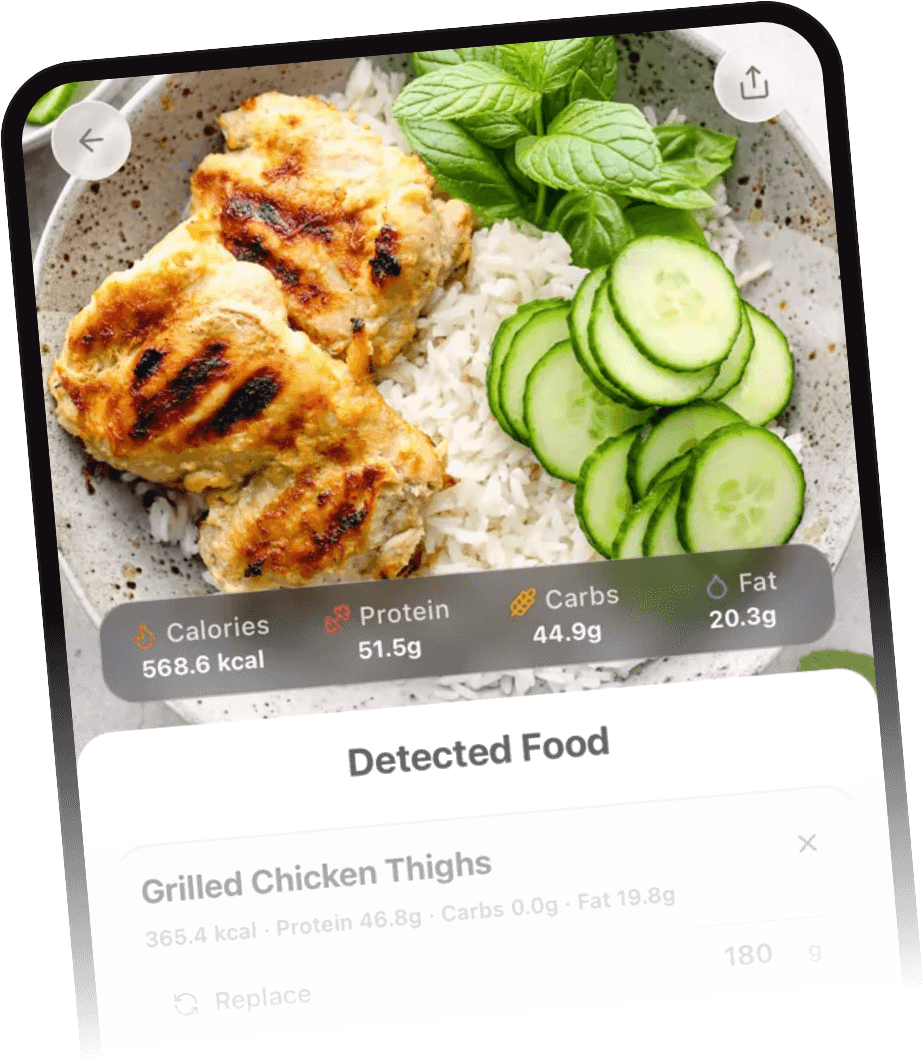
Photograph any meal and CalBiss identifies each food and estimates its nutrition. If it misreads something, you correct it in a tap and the totals recalculate instantly.
A daily coach that reads what you actually logged — your meals, what is left of today's calories and macros, and the time of day — not a generic template. It suggests a dinner that fits your remaining calories, builds a full meal plan, or turns whatever is in your fridge into a recipe.
Track weekly, 30, 60 and 90-day trends for calories, macros, steps and active energy. See daily averages against your goal so you know whether the week actually went the way it felt.
Follow friends, join a group of four to eight people, and compare progress on a weekly leaderboard. You choose exactly what is shared — calories, steps, macros or nothing at all.
7-day free trial
Three steps, about ten seconds.
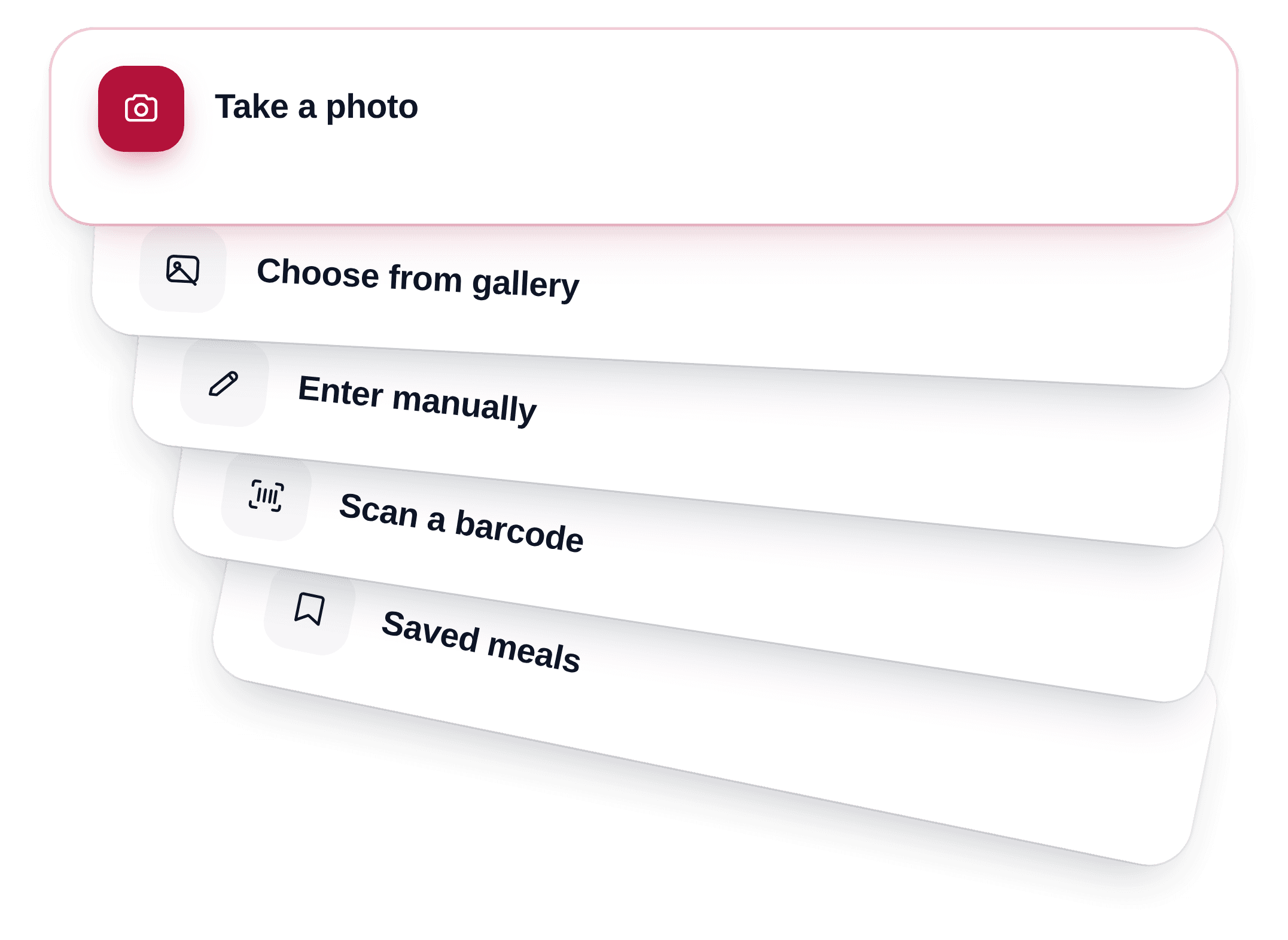
Five ways in, one daily total. The camera card sits on top of the pile; gallery, manual entry, barcode and saved meals fan out underneath it.
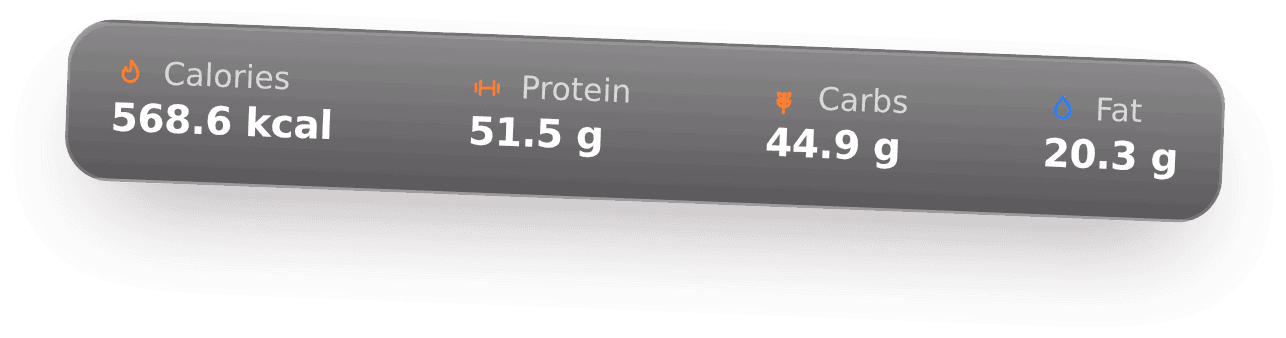
CalBiss detects each item, estimates its portion in grams, and calculates calories, protein, carbs and fat. Anything it gets wrong you fix by describing the real food.
The meal lands in your log and your remaining calories and macros update. Steps and workouts from Apple Health or Health Connect adjust the budget as you move.
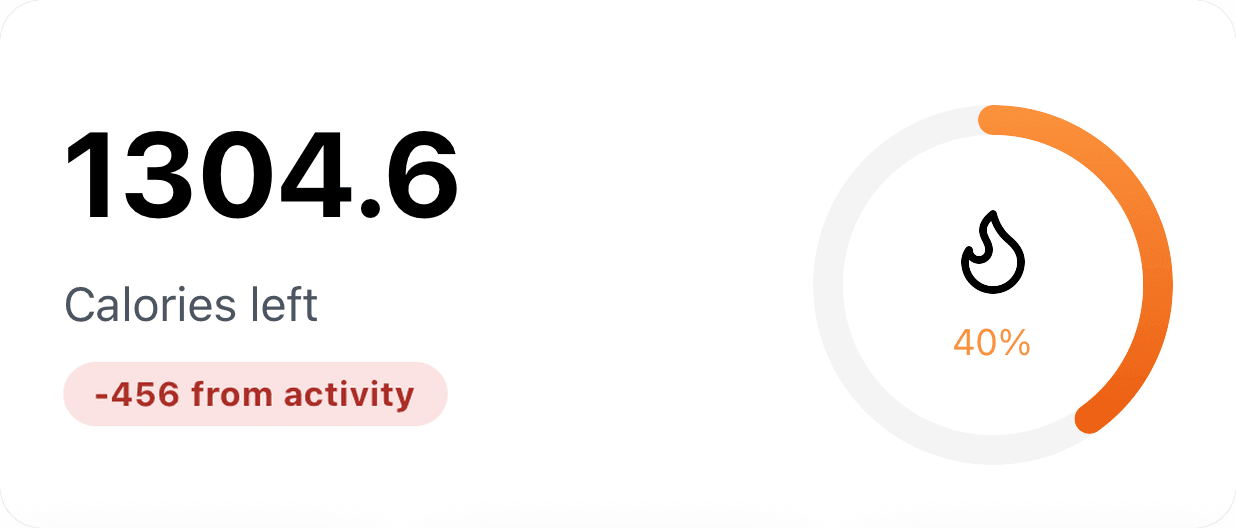
The CalBiss home screen answers the three questions every calorie counter gets asked.
Remaining calories, protein, carbs and fat sit at the top of your day and recalculate the moment a meal lands in the log.
Steps and workouts sync from Apple Health or Health Connect and add an activity credit to today's calorie budget — moving more earns you more to eat.
Photograph your plate and CalBiss identifies each food, estimates portions in grams, and files calories, protein, carbs and fat automatically.
A photo is the fastest path, but it is never the only one.
Scan a packaged product and its calories, protein, carbs and fat land in your log in seconds, no typing needed.
No barcode, or a product the scanner does not recognise? Photograph the nutrition panel instead and CalBiss reads the values straight off the label.
Type any food and get its nutrition, or bookmark the meals you eat every week and re-log them in one tap.
CalBiss calculates your BMR and TDEE from your age, height, weight, gender and activity level, then sets calorie and macro goals for losing, maintaining or gaining.
Steps, active energy and workouts sync automatically and feed an adjustable activity credit into your daily calorie budget.
Check what is left in your day without opening the app. Lock-screen, home-screen and Android Glance widgets, all localized.
Nine card designs turn your week into something worth posting — podium, rings, leaderboard, spotlight and more.
AI nutrition coach
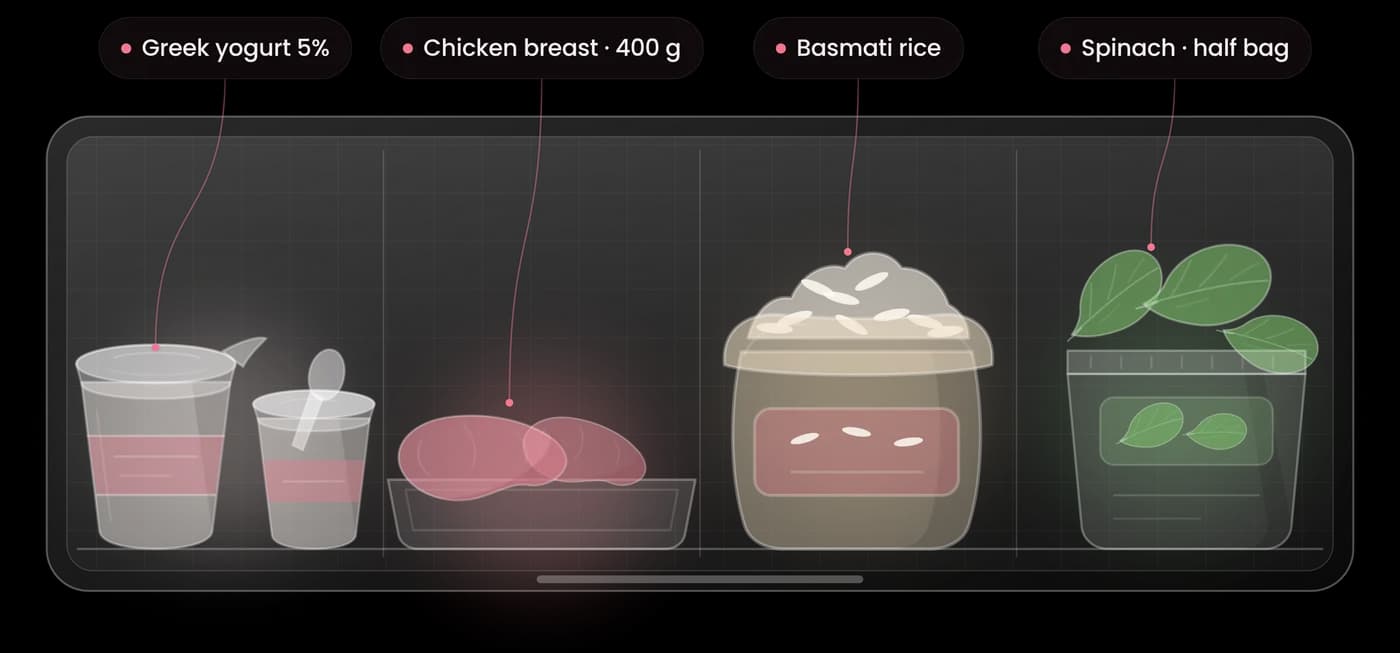
Photograph the inside of your fridge. CalBiss reads what's in there and writes a recipe that fits the calories and protein you have left today.
Friends & groups
Tracking alone is easy to quit. CalBiss lets you follow friends, react to their meals, join a group and compete on a weekly leaderboard. Groups of four to eight tend to stay the most active.
Every category is opt-in. Calories, steps, burned energy, macros and meal photos are each shared only if you switch them on.
Short answers to what people ask before downloading.
CalBiss estimates portion size and nutrition from a single image, so it is an estimate rather than a laboratory measurement. Accuracy is highest for clearly visible foods. That is why every detected item is editable: correct a label, adjust a portion, or add a food the scan missed, and the totals recalculate immediately.
No. CalBiss identifies each food in the photo and estimates its portion in grams, then calculates calories, protein, carbs and fat. If a portion looks off, adjust it in a tap and the totals update.
CalBiss starts with a 7-day free trial that includes the full app, with a daily allowance of AI photo scans and AI advice. CalBiss Premium removes those limits and gives you unlimited scans and advice. Premium is a monthly or yearly subscription through the App Store, and the yearly plan costs less per month. Cancel any time in your App Store settings.
CalBiss asks for your explicit consent before any photo is analysed. A photo is sent for analysis only when you tap to scan it, never in the background and never from your camera roll. Your photos and nutrition data are never used for advertising, the app contains no ads and no third-party trackers, and deleting your account removes them. You can switch AI off later in Settings and keep logging manually or with the barcode scanner.
Yes, and it is optional. CalBiss reads steps, active energy and workouts from Apple Health on iOS and Health Connect on Android, then adds an adjustable share of that activity to your daily calorie budget. The default credit is 50 percent, which you can change or switch off. No Apple Watch is needed.
Only what you choose. Calories, steps, burned energy, macros and meal photos are each shared only if you switch them on. You can join a group and follow friends while sharing nothing at all.
CalBiss is fully translated into English, Spanish, Hebrew, Russian, Arabic and French, including the home-screen widgets and push notifications. Hebrew and Arabic are laid out right-to-left throughout the app. More languages are on the way.
CalBiss is launching on iOS first. The Android app is built on the same codebase and Health Connect support is already implemented, so it will follow. Email us for launch updates and we will tell you the day it is out.
Yes. Account deletion is in Settings inside the app and removes your profile, meals, photos and social activity in under a minute.
CalBiss is in final testing for iOS. Leave your email and we will send you one message the day it lands on the App Store — nothing else.
Android is next